

What you capture
“Keep the vanity. Replace the shower wall tiles. Check the exposed floor.”

For trades
Record the work while you're on site. NexBilt turns your video, photos and notes into a scope you can check and price. The job is already in front of you — you shouldn't have to write it up from memory tonight.
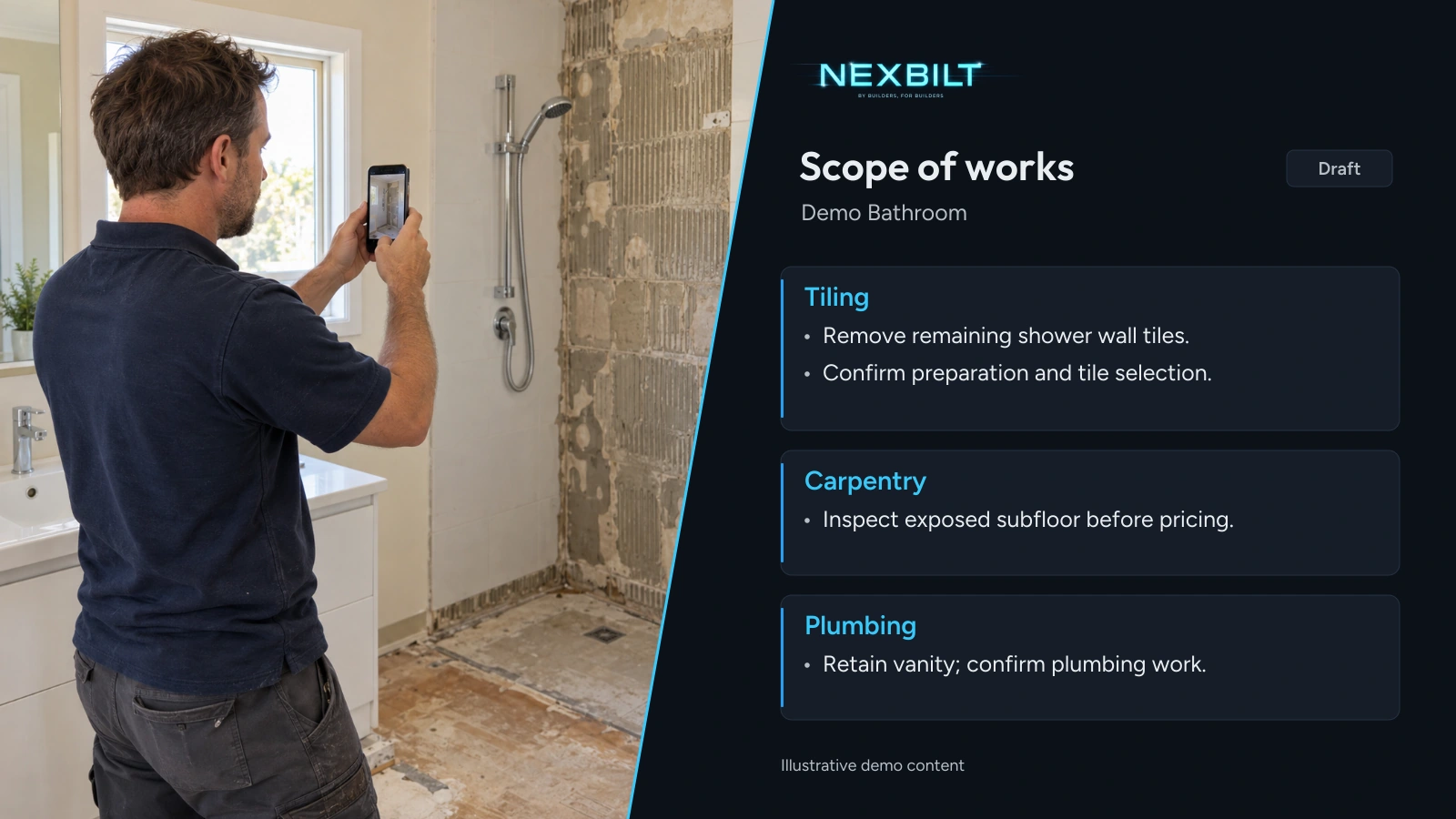
A tiling job
A shower needs retiling. The vanity stays. Part of the floor is exposed. The draft gives you somewhere to start.
Illustrative example
“Keep the vanity. Replace the shower wall tiles. Check the exposed floor.”
From scope to quote
Review the scope against the job. Add anything missing and change what doesn't belong. Apply your labour and material rates, then check the quote before it goes to the customer.
See a sample quote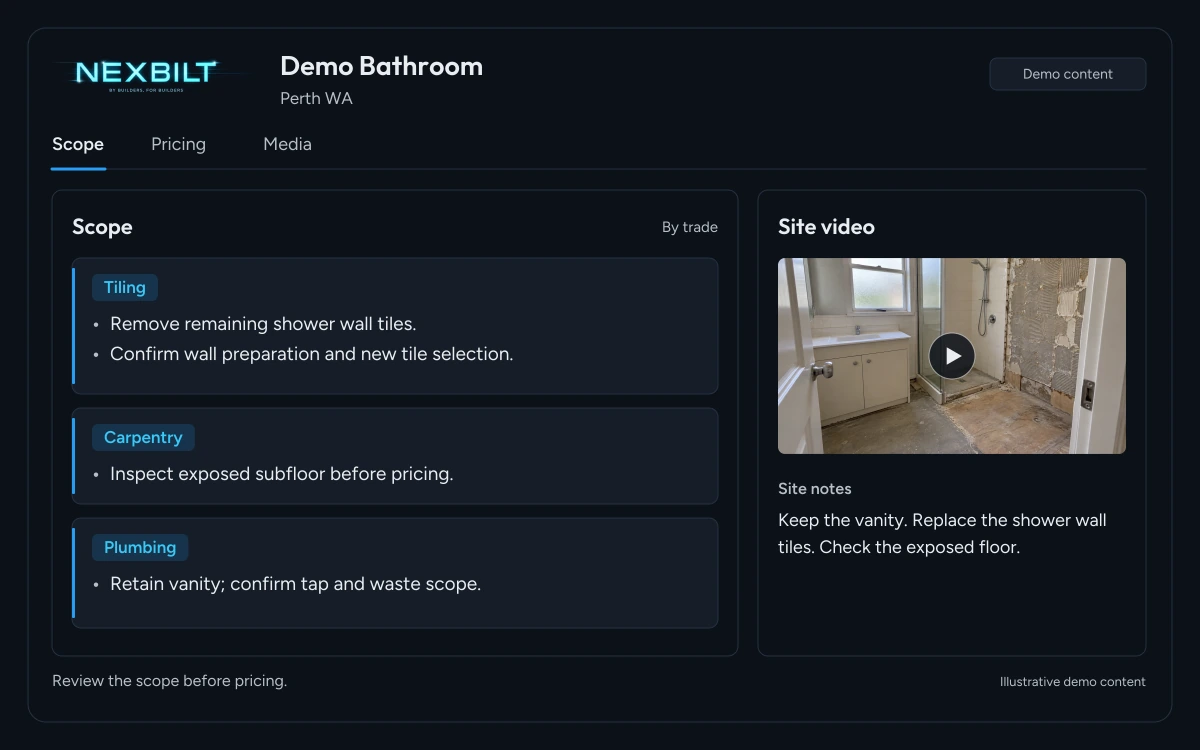
Common questions
Your next site visit
Start free and see the scope NexBilt drafts from the job you've recorded.