
For property managers

The contractor needs more than a photo.

The owner needs to understand the issue. The contractor needs to know what to inspect or repair. Put your site photos, notes and proposed work into a NexBilt property report, check the details and share the PDF.

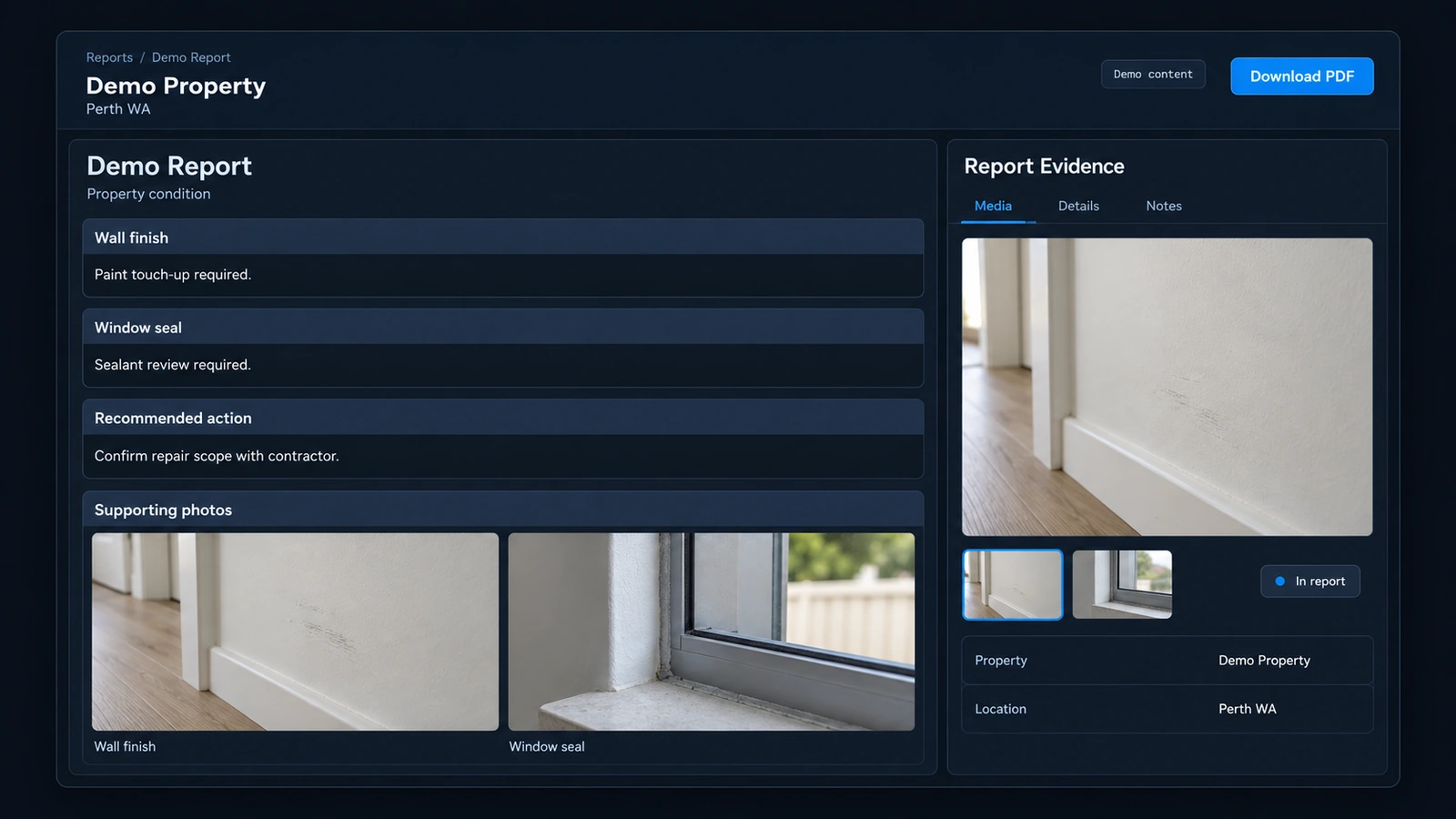
Synthetic demonstration of a property report with issue details and supporting evidence

A maintenance request

“The window needs fixing” leaves a lot to explain.

Which window? What did the inspection show? Are you requesting a repair or asking someone to assess it first?

Illustrative example

Inspection note
A gap is visible in the sealant around the bedroom window.
Supporting photos
A close-up of the gap and a wider photo showing its position.
Contractor request
Inspect the window seal and advise what needs repairing. The cause and extent still need checking.

The report

Check the report. Then send it through your usual process.

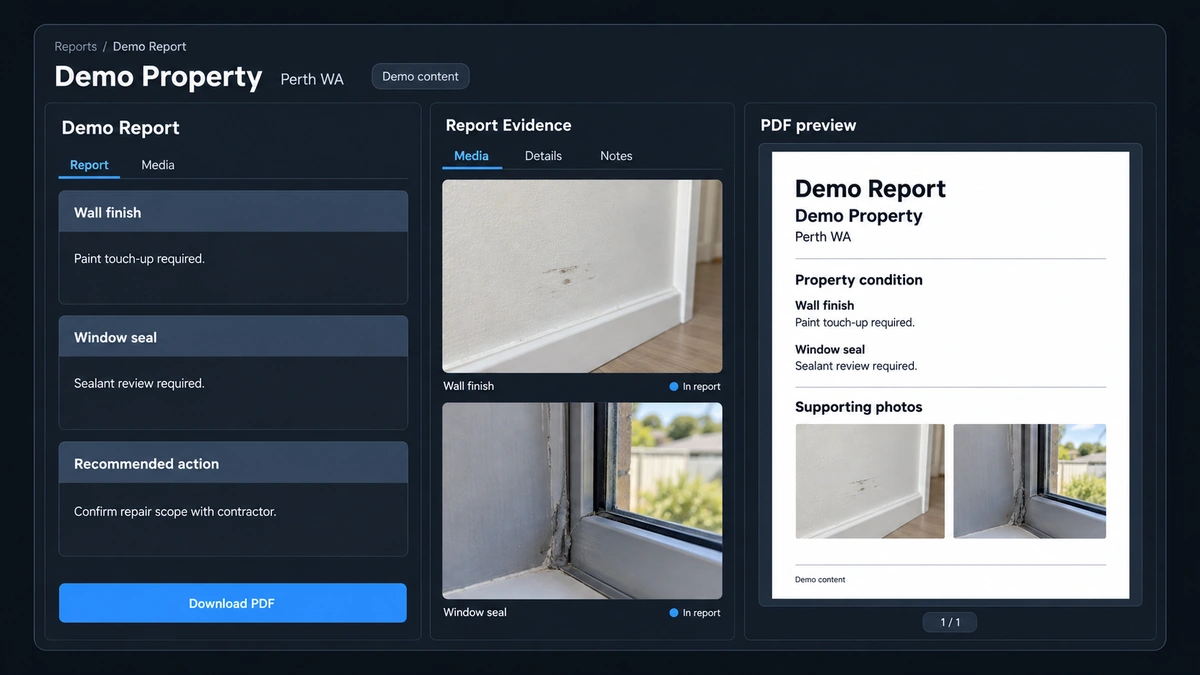
Review the observations and proposed work before downloading the PDF. Use it to explain the maintenance request to the owner and brief the contractor.

Keep using your usual systems for decisions, correspondence and follow-up.

Synthetic demonstration of property report evidence alongside a PDF preview

Common questions

What to expect from NexBilt.

What goes into the property report?

Inspection photos, notes about the issue and the proposed work you want the contractor to inspect or complete.
Can I review it before sharing the PDF?

Yes. Check the observations and proposed work, then download the PDF when the brief is ready.

Does it replace our current process?

No. Use the report within your usual systems for owner decisions, contractor correspondence and follow-up.

A property walkthrough

See how the maintenance brief comes together.

Walk through adding inspection photos and notes, reviewing the report and downloading the PDF.